
How to
Sell at the counter
- 1
Choose the owner, and the pet if the sale is for one.
- 2
Add products to the cart and check out.
- 3
Stock updates, and the sale shows in your reports and in Finance.
app.aurevet.com
Inventory & Store
Track the products on your shelves, get low-stock alerts, and sell over the counter with a point of sale that knows your owners and pets. Daily reports show sales, revenue and orders.
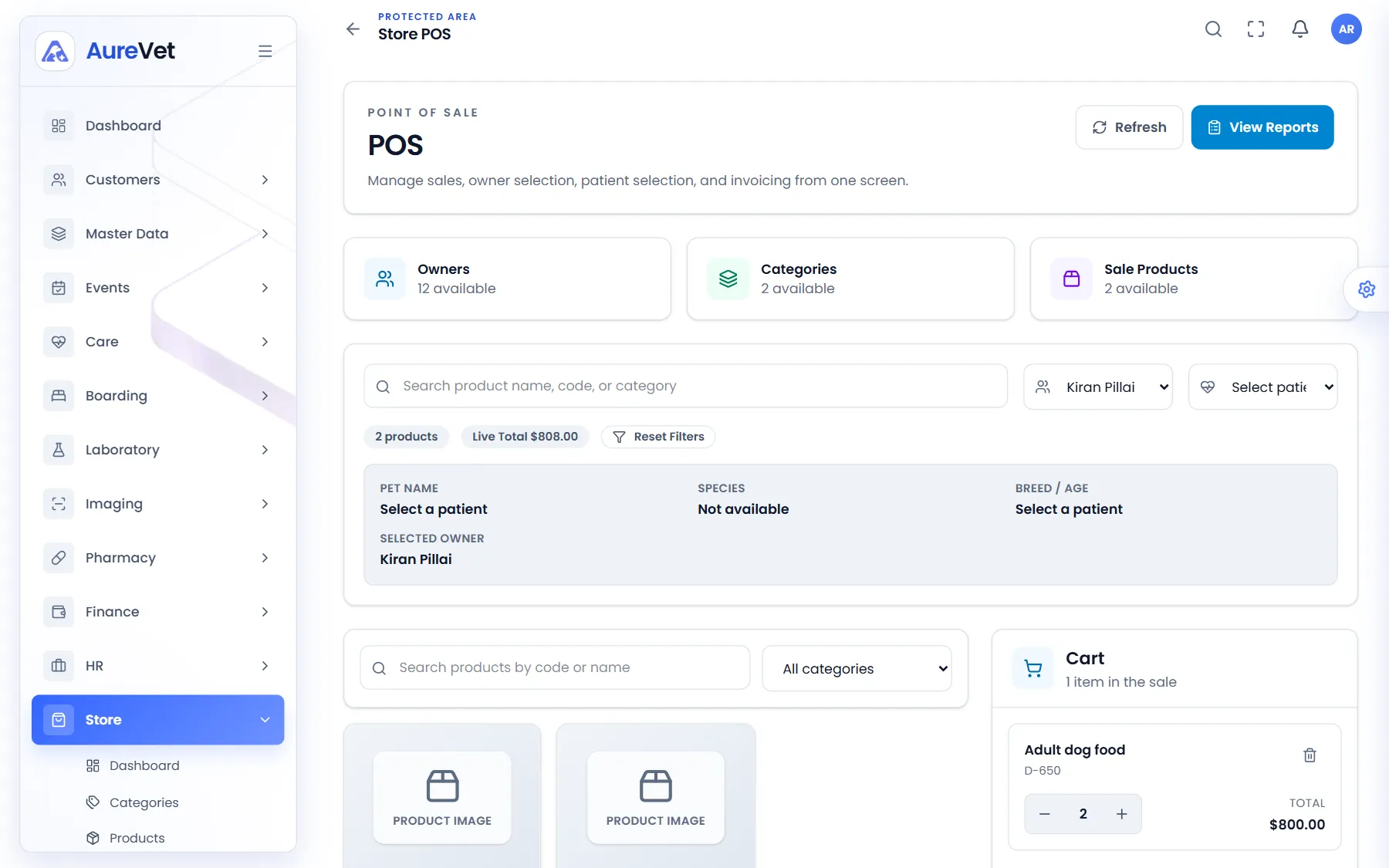
Choose the owner and pet, add products to the cart and check out.
Sound familiar?
Products, stock, low-stock items and today’s sales.
Your catalogue with prices and stock alerts.
Stock by batch and expiry, with its value.
Sell to an owner and pet at the counter.
Daily sales, revenue and orders, ready to export.
Know before a product runs out.
In practice
What everyday tasks look like in Aurevet.
How to
Choose the owner, and the pet if the sale is for one.
Add products to the cart and check out.
Stock updates, and the sale shows in your reports and in Finance.
How to
Record deliveries as stock entries.
The dashboard flags products running low, and reports show what sells.
Inside the app
Click a screen to see it full size.
Point of sale
Choose the owner and pet, add products to the cart and check out.
Store overview
Products, stock, low-stock items and today’s sales at a glance.
Store stock
Stock by batch, with low-stock items highlighted.
Products
Your catalogue with prices and stock alerts.
Store reports
Sales, revenue and orders for any day.
Screens from the Aurevet app. Names and contact details shown are sample data.
It has its own point of sale and reports, and store sales show up in Finance.
Book a walkthrough and we will show you the modules your clinic would use day to day.