1
Your clinic’s details
- Add your clinic’s name, logo and contact details.
- Put your branding on invoices and reports.
How it works
How a visit flows from the front desk to the vet, the lab, the pharmacy and the invoice, and what each person on your team does along the way.
Where every day starts
Everyone signs in to the dashboard. It shows today’s work, the clinic’s totals and who is on duty.
Desk shortcuts
Register an owner or pet, raise an invoice or collect a payment in one click.
Today against yesterday
Today’s appointments, consultations and visits, compared with yesterday.
Clinic totals
Invoices, today’s revenue, active vets, patients and owners.
Who is on duty
Each vet on duty today, with their hours.
Before your first patient
Set these up once, with our help. After that, everyone works from the same lists and prices.
The patient journey
Ten steps, each handled by the person whose job it is. Every record carries over, so nobody types anything twice.
Add the owner and their pet once. The pet gets a patient number.
Every visit, vaccine and bill from then on attaches to the same record.
Pick a time and a vet who is on duty.
The vet’s consultation fee is charged automatically.
When the pet arrives, check it in.
The consultation starts and joins the vet’s board.
The vet records the examination with the pet’s history alongside.
Diagnosis, treatment plan, prescription and follow-up are saved in one go.
Ordered tests appear in the lab, ready for the sample.
Results and reports go back on the pet’s record.
Each visit becomes a SOAP record.
Print it, or open it at the next visit.
The prescription is already waiting in the pharmacy.
Dispensing updates stock, using the batches that expire first.
The dashboard shows which pets are due or overdue.
Record the dose and it goes on the pet’s record.
The visit’s charges are already there: consultation, medicines and services.
Take payment, in full or in part, and print the invoice.
See the month’s income, expenses and outstanding invoices.
The audit trail shows who did what.
Alongside the clinic
Run these from the same owner and pet records, and bill them through the same invoices and finance.
Reserve kennels with care notes, and see check-ins, check-outs and kennel status at a glance.
Learn moreBook grooming with a groomer and services, and follow it from booked to done.
Learn moreSell products to an owner and pet at the counter, with stock alerts and daily sales reports.
Learn moreWho does what
Each person signs in with their own login and sees what their role needs. You can adjust roles or add your own.
Registers owners and pets, books and checks in appointments.
Examines, diagnoses, prescribes, orders tests and gives vaccinations.
Dispenses prescriptions, serves walk-in customers and manages stock.
Handles samples, results and lab reports.
Raises invoices and takes payments.
Works through their grooming appointments.
Looks after reservations, check-ins, check-outs and kennels.
Keeps the store and pharmacy stocked.
Runs settings, roles, HR and payroll, finance and the audit trail.
On any screen
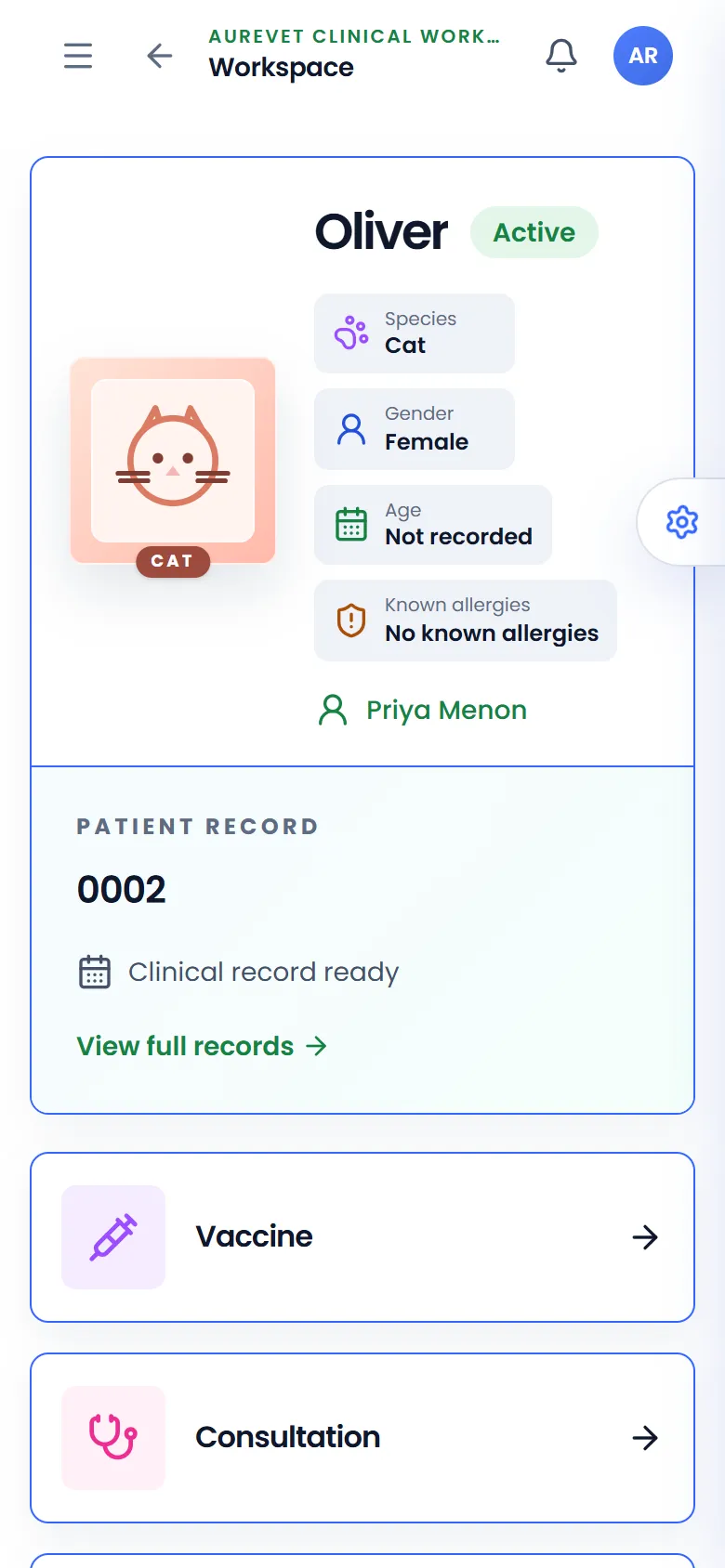
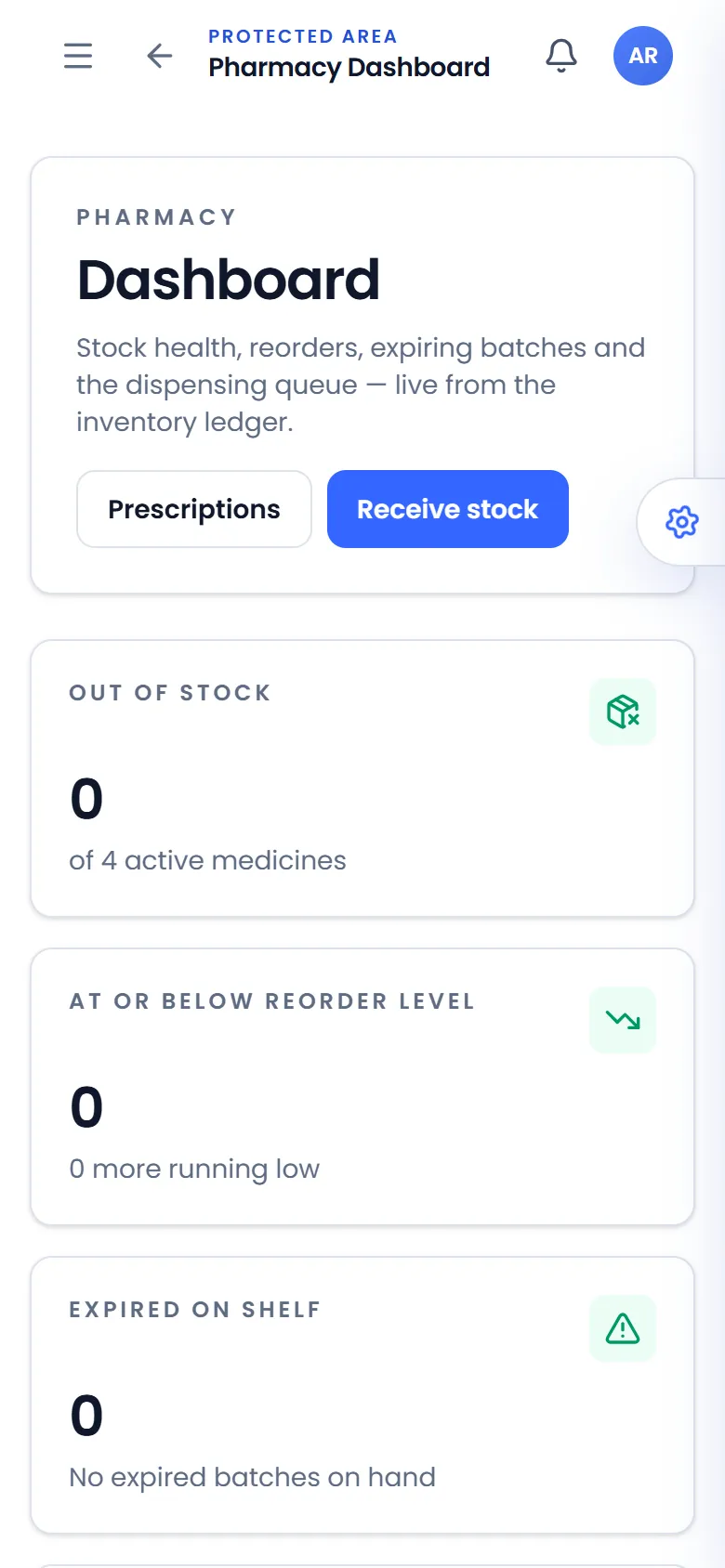
Aurevet runs in the browser. On a phone the sidebar folds away and each screen stacks into a single column.
Explore
See what each module does, with screens from the app.
Screens from the Aurevet app. Names and contact details shown are sample data.
Book a walkthrough and we will show you the modules your clinic would use day to day.