
How to
Book an appointment
- 1
Choose the owner and pet, then the date and time.
- 2
Pick from the vets on duty at that time and add the reason for the visit.
- 3
The appointment appears on the calendar straight away.
app.aurevet.com
Appointments & Calendar
Book an appointment in a few clicks with a vet who is actually on duty. The calendar shows the clinic’s day by vet and by status, and consultation fees are charged automatically.
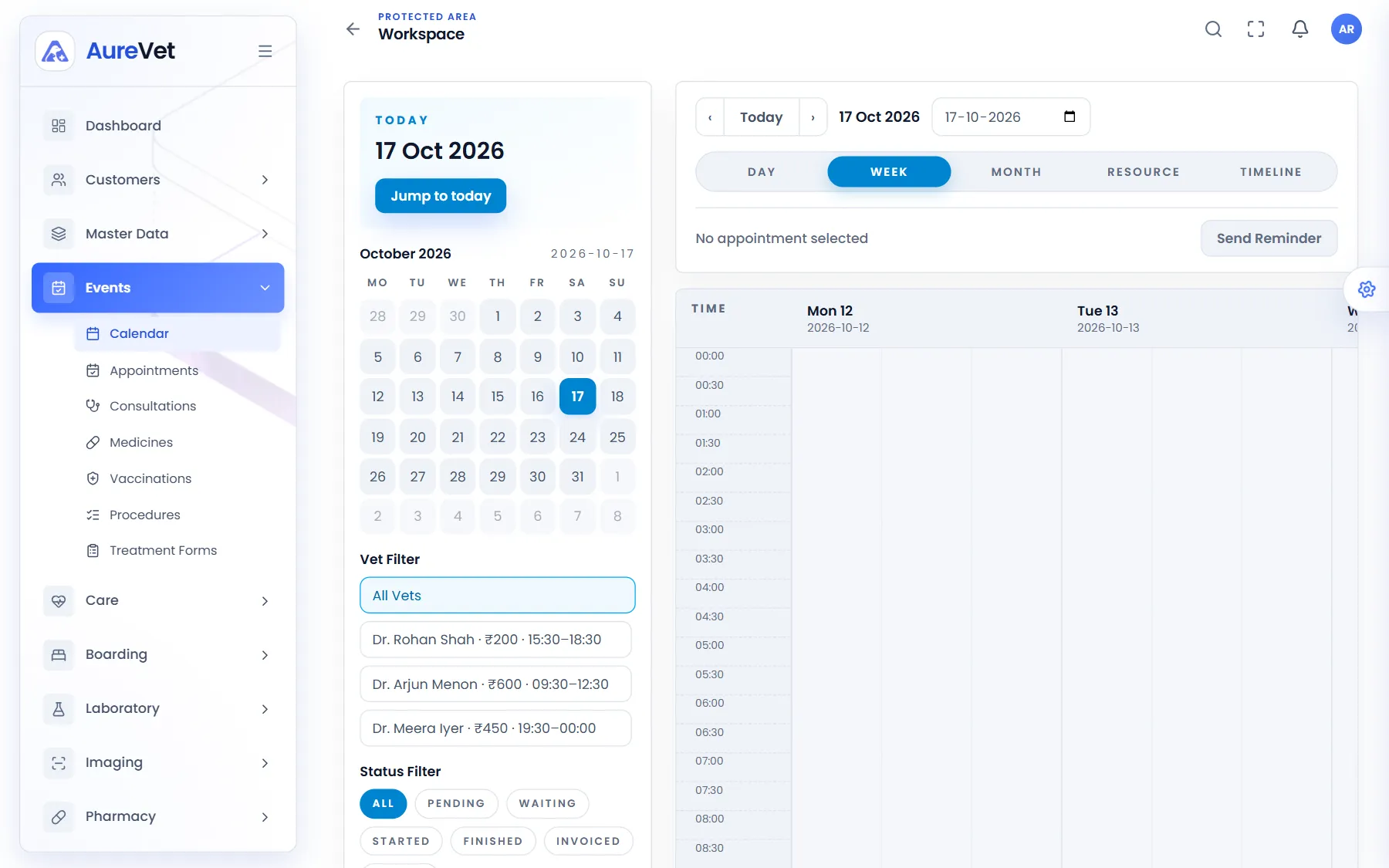
The clinic’s week by time slot, with vet and status filters.
Sound familiar?
Book in a few clicks, with only the vets on duty to choose from.
Day, week, month, resource and timeline views.
See one vet’s day, or everyone who is waiting or in progress.
Checking a patient in starts the consultation for the vet.
Each vet’s consultation fee reaches the bill without retyping.
Send owners a reminder from the calendar.
In practice
What everyday tasks look like in Aurevet.
How to
Choose the owner and pet, then the date and time.
Pick from the vets on duty at that time and add the reason for the visit.
The appointment appears on the calendar straight away.
How to
Open the appointment when the owner confirms or arrives.
Check the pet in. Aurevet starts the consultation and opens the pet’s examination workspace for the vet.
The calendar shows where every visit is up to.
Inside the app
Click a screen to see it full size.
Week view
The clinic’s week by time slot, with vet and status filters.
Appointment details
Patient, owner, vet, time and reason, with confirm and check-in.
Appointments
Book a visit and see the clinic’s appointments in one place.
Resource view
One column per veterinarian, so the desk can see who is free.
Screens from the Aurevet app. Names and contact details shown are sample data.
Each vet’s duty hours are kept on their employee record, so booking only offers the vets on duty at that time.
Part of the patient journey
Book a walkthrough and we will show you the modules your clinic would use day to day.