How to
Add a team member
app.aurevet.com
HR & Payroll
Keep every employee’s record and login in one place, mark attendance, approve leave, set each vet’s consultation fee and run payroll from attendance.
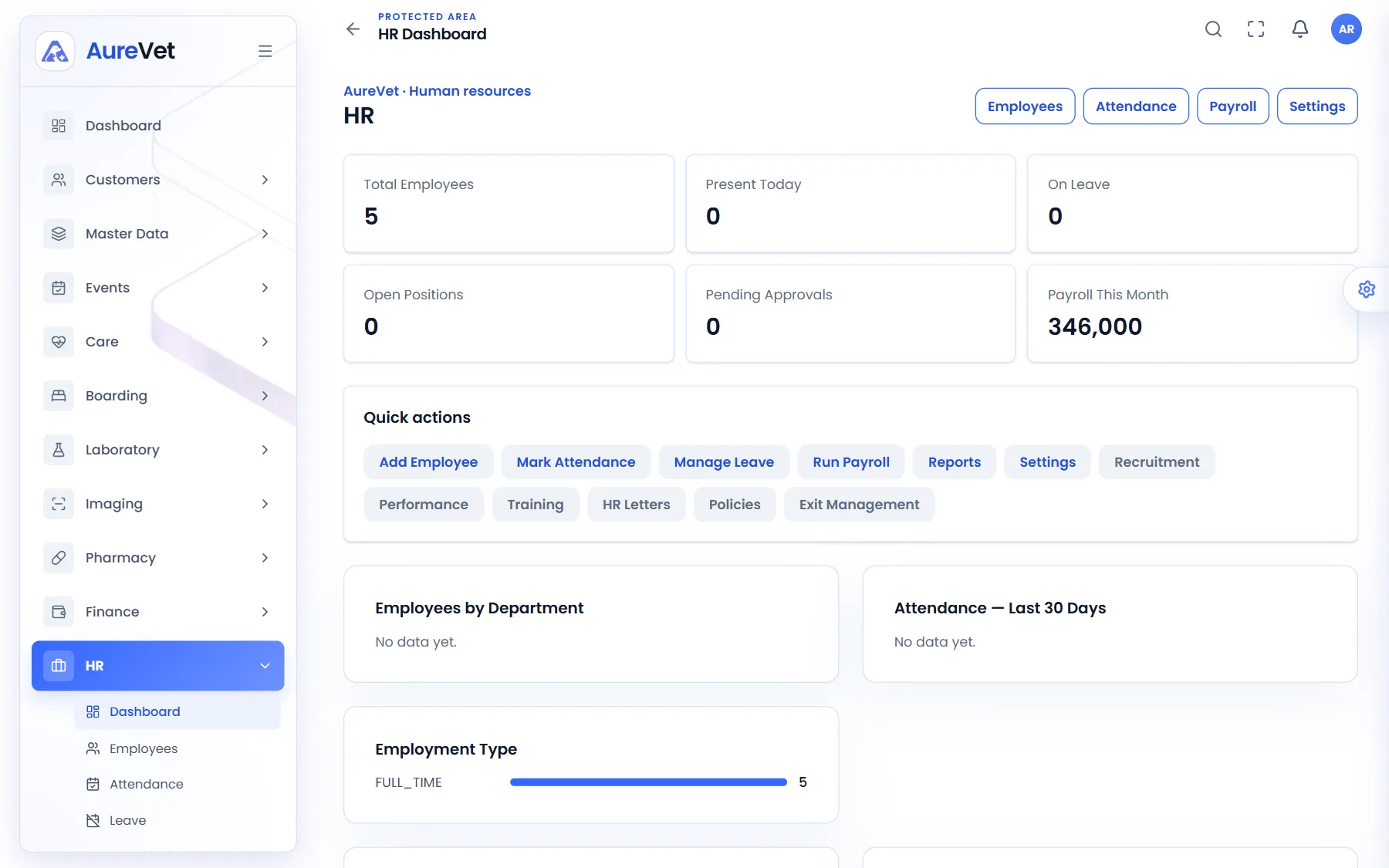
Headcount, who is in, who is on leave and this month’s payroll.
Sound familiar?
Staff records, duty hours and their access to Aurevet.
Mark the day for the whole team in one go.
Leave requests and approvals.
Each vet’s consultation fee, charged on their appointments.
Monthly payroll worked out from attendance.
Employees, attendance, leave, payroll and headcount.
In practice
What everyday tasks look like in Aurevet.
How to
How to
Mark attendance through the month.
Generate payroll. Aurevet works out each person’s pay from their attendance.
Review and approve it, then mark it paid.
Inside the app
Click a screen to see it full size.
HR dashboard
Headcount, who is in, who is on leave and this month’s payroll.
Attendance
Mark the day for every employee.
Payroll processing
Each employee’s attendance, salary and net pay.
Employees
The whole team with their department, role and status.
Veterinarian fees
Each vet’s consultation fee.
Leave management
Leave requests and who approved them.
Screens from the Aurevet app. Names and contact details shown are sample data.
Yes. HR and payroll are limited by role, so only the right people see them.
Book a walkthrough and we will show you the modules your clinic would use day to day.